Made a mistake? Want to go to a previous version of what you coded in Hugging Face?
- View Commit History: Find the commit history by clicking on the file you want to revert. This will show you a list of commits made to that file.

- Revert to Previous Commit: Click on the commit you want to revert to.
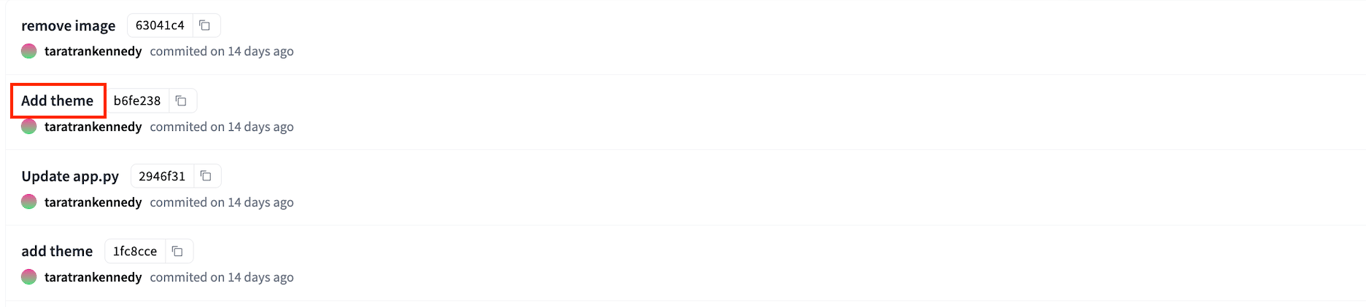
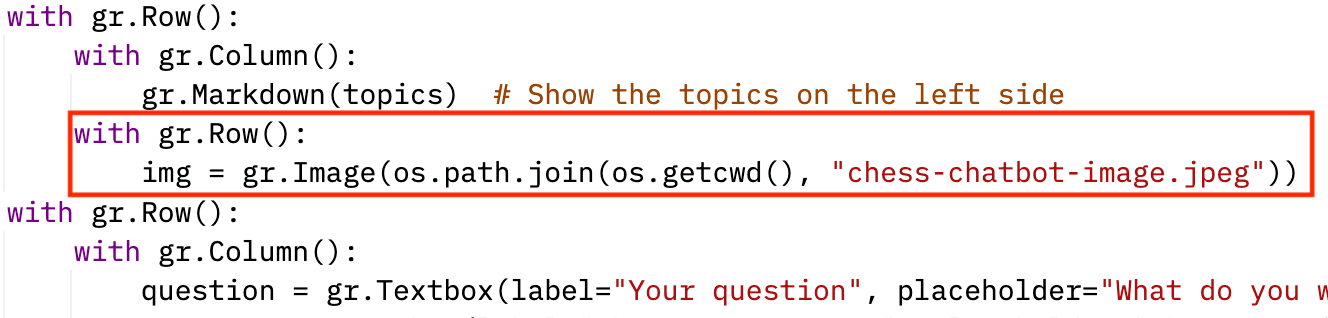
- Copy the content of the file from that commit.

- Go back to the current version of the file. Replace the current content with the content from the previous commit. Save and commit the changes.
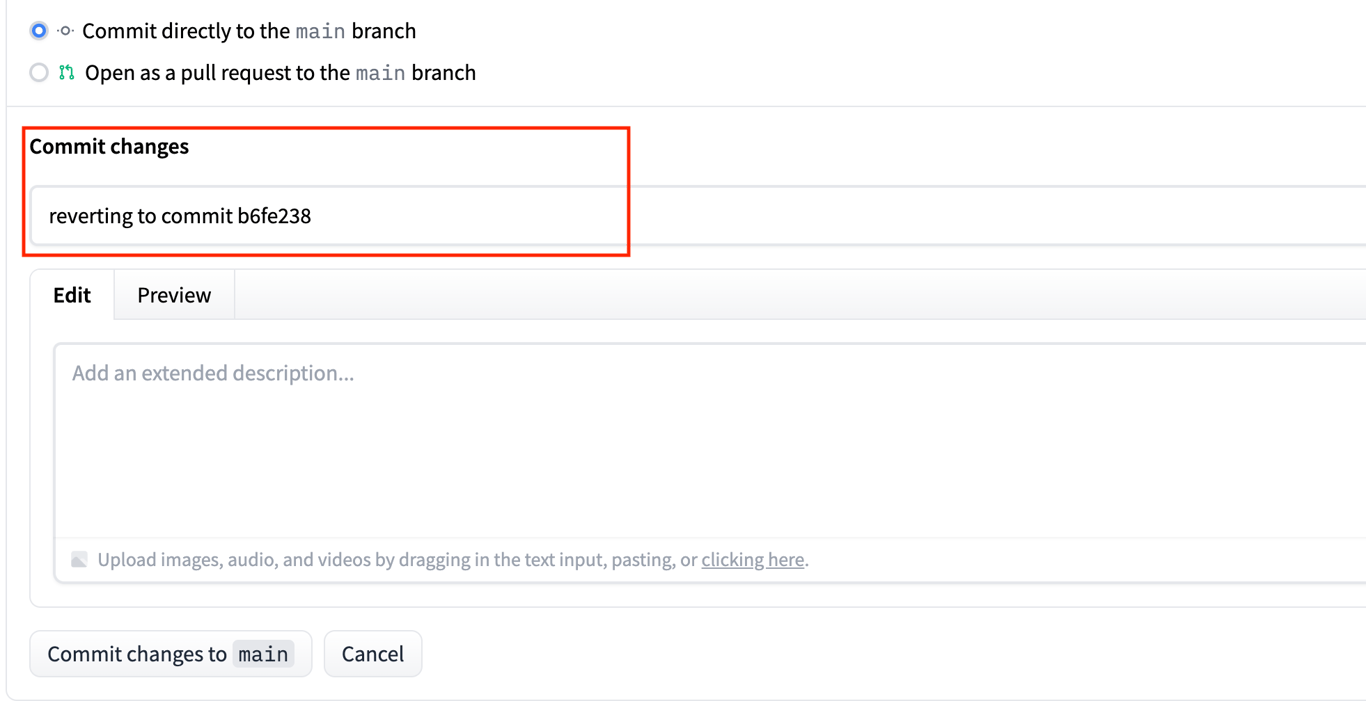
- Commit the Reversion:
- Add a commit message indicating that you are reverting to a previous commit.
- Confirm the changes.